Terminal App for Time Tracking
Efficient on-site time tracking with the Terminal App
With Emplovia's Terminal App, you enable manual bookings directly on the device – e.g., on a tablet in the entrance area or in production. Employees can conveniently clock in and out or record breaks. The app seamlessly connects with your HR platform and ensures complete and on-site time tracking.
Time tracking at the terminal
- Add terminal device in the system
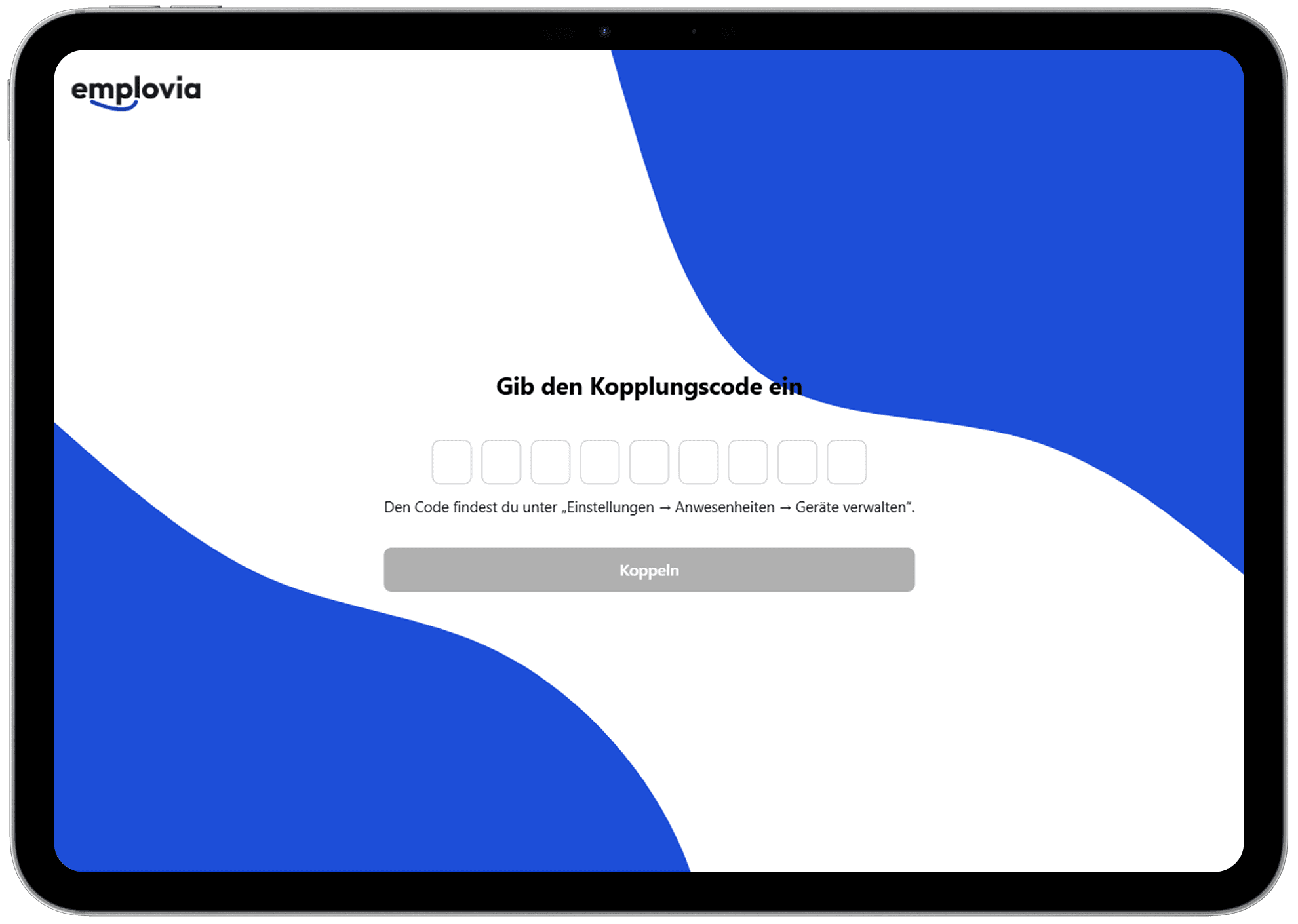
Add a new terminal device under attendance settings. Each device receives a unique pairing code through which it is connected to your organization.
- Connect device via pairing code
Open the Terminal App (iOS, Android, or Web) and enter the pairing code to pair the device with your Emplovia account. After that, it's immediately ready for time tracking.
- Record times directly via PIN
Employees clock their working time on the device via personal PIN. The booking is automatically saved in the system and initially marked as approved. Whether it can be edited or deleted later depends on the rules in the respective working time model. All entries appear directly in the attendance overview of the respective person.

Create devices flexibly for your locations
Create as many terminal devices as you like for each company location – e.g., for entrance areas, production halls, or offices. Each device receives an individual pairing code so you can enable time tracking flexibly exactly where it's needed.
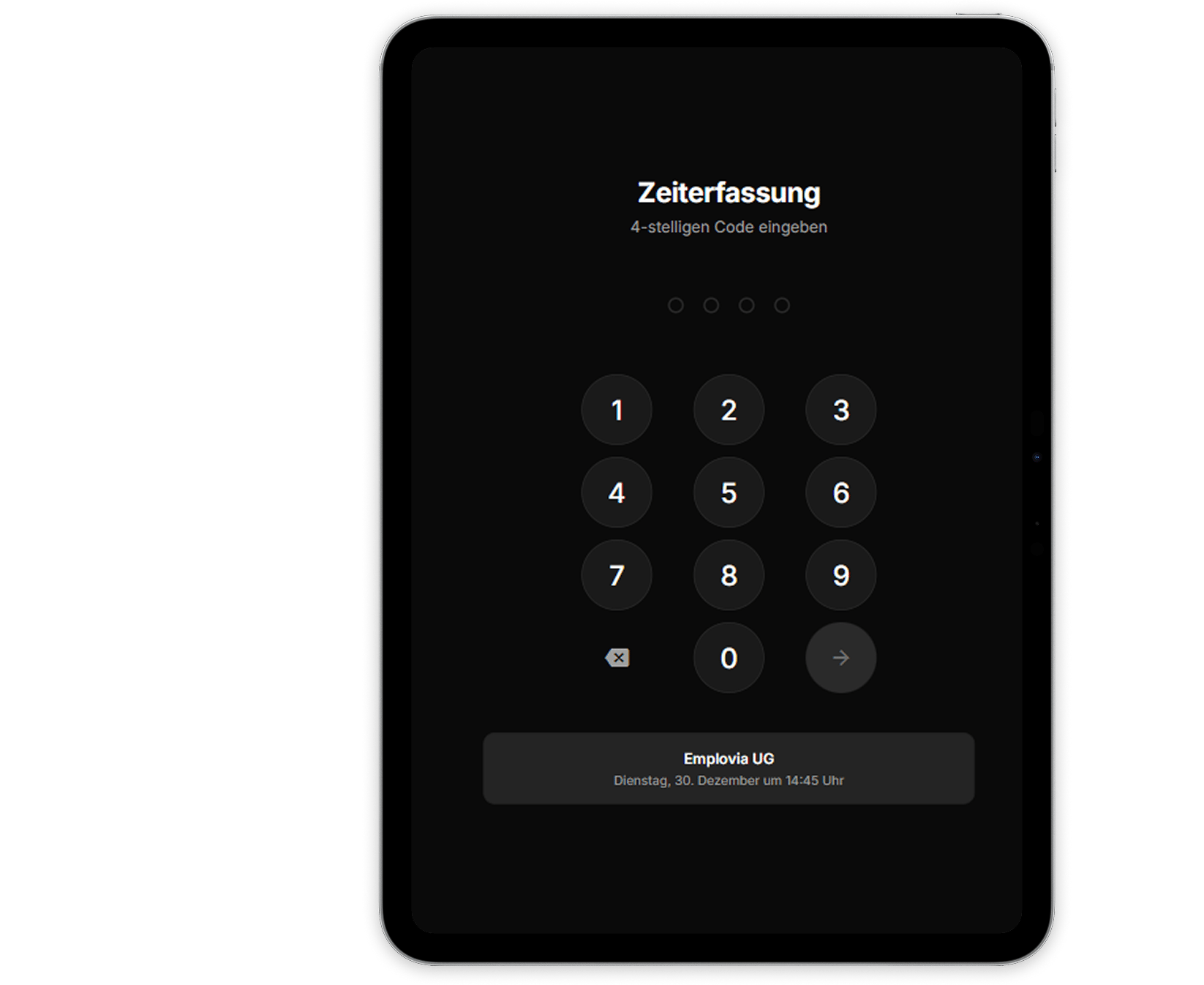
Enter PIN code and get started
Employees enter their personal PIN code at the terminal to identify themselves. Entry is quick and easy via the keypad. After successful authentication, they go directly to the booking overview – secure, data protection compliant, and without additional hardware like chip cards.
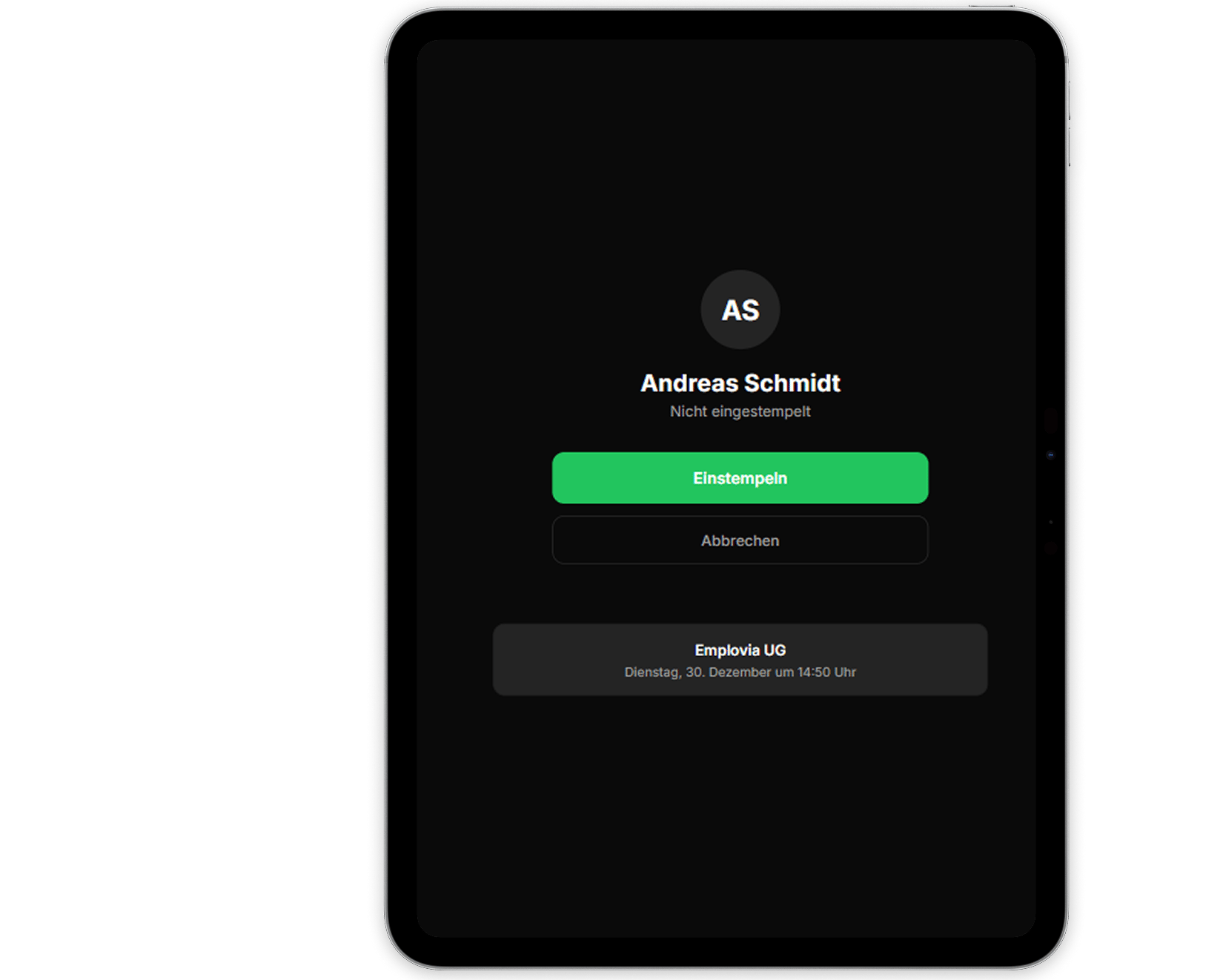
Clock in and out with one click
After PIN entry, employees can clock in, clock out, or record breaks with just one click. The clear interface shows the current status and already booked working time. All bookings are transmitted to your Emplovia system in real time and are immediately visible in time tracking.
Download for free now
The Emplovia Terminal App is available for iOS and Android. Download the app and transform any tablet into a professional time tracking station.
Frequently asked questions about the Terminal App
The Emplovia Terminal App is available for free download in the Apple App Store (iOS) and Google Play Store (Android).
Create the new terminal device under Settings → Attendances → Manage Devices. After generating the pairing code, the tablet or device can be connected via app.
After entering the personal PIN, employees simply select 'Clock In' or 'Clock Out'. The booking is automatically saved in the Emplovia system.
A terminal device can be flexibly assigned to a location. If a device is to be used at multiple locations, we recommend setting up a separate terminal per location.
The Terminal App runs on all common tablets with iOS or Android.