Absence & Vacation Management
More overview. Less effort. More time for everyone.
Keep track of your vacation and absence days at all times. Request your time off in seconds and track the current status easily in the dashboard. No more paperwork and uncertainty: Your absences and working hours are always current, transparent, and easily accessible.

Central absence management
- Absence calendar for better planning
Plan ahead: The calendar shows when team members or departments are absent – for better coordination in daily work.
- Set individual absence policies
Define precise specifications like policy name, half-day bookings, proof requirement, annual entitlement, or allocation method. Rules like waiting periods or monthly quotas can be flexibly adjusted.
- Flexible approval processes
Employees request their absences themselves. You decide who approves – with single-stage or multi-stage workflows.
Taking vacation has never been easier
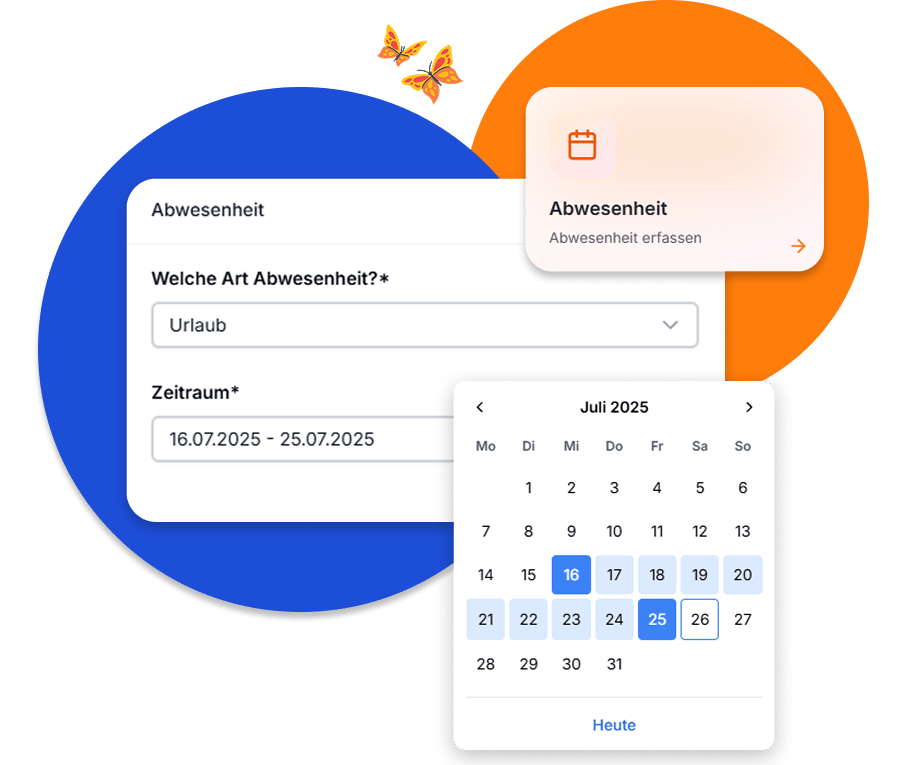
With just a few clicks, employees request their vacation or other absences directly in the system – very simply, whether on desktop or mobile. Open requests are clearly displayed on the homepage or under "Open Requests". This way, the responsible time representative can quickly view new requests and approve them with just one click. This saves you up to 80% time processing vacation requests, simplifies internal processes, and creates more transparency for the entire team.
Team and department calendar
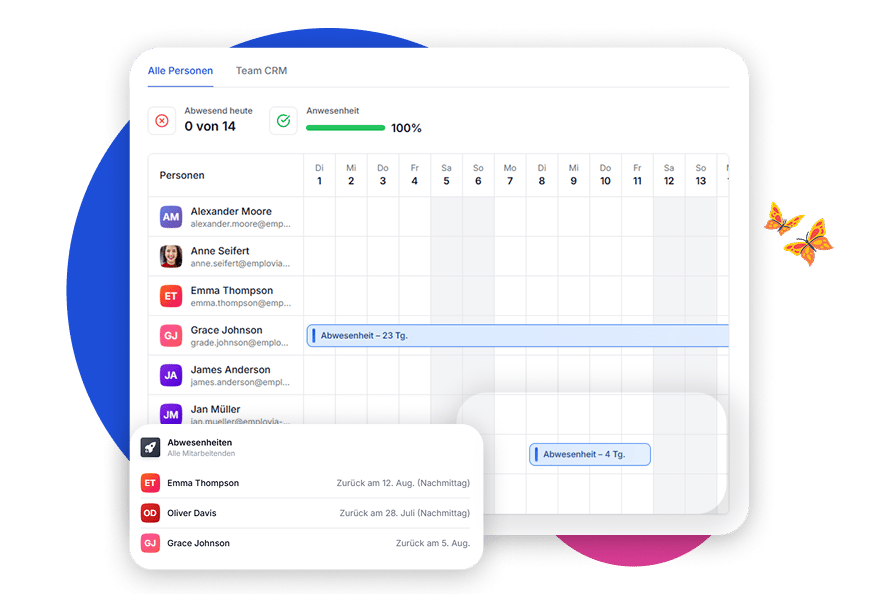
In the absence calendar, you can see at a glance who is unavailable when – filtered by team, department, or the entire company.
Only approved absences are displayed, no sensitive details like sick leave or private entries – for maximum planability and data protection.
Additionally, custom calendars can be created and individually shared with people from different teams. Invited employees receive a notification and see the shared calendar directly in their view. Ideal for cross-project collaboration to identify overlaps and avoid personnel bottlenecks.
Your Entry into Modern HR.
Try it free for 14 days – no obligation.
Flexibly configure absence policies
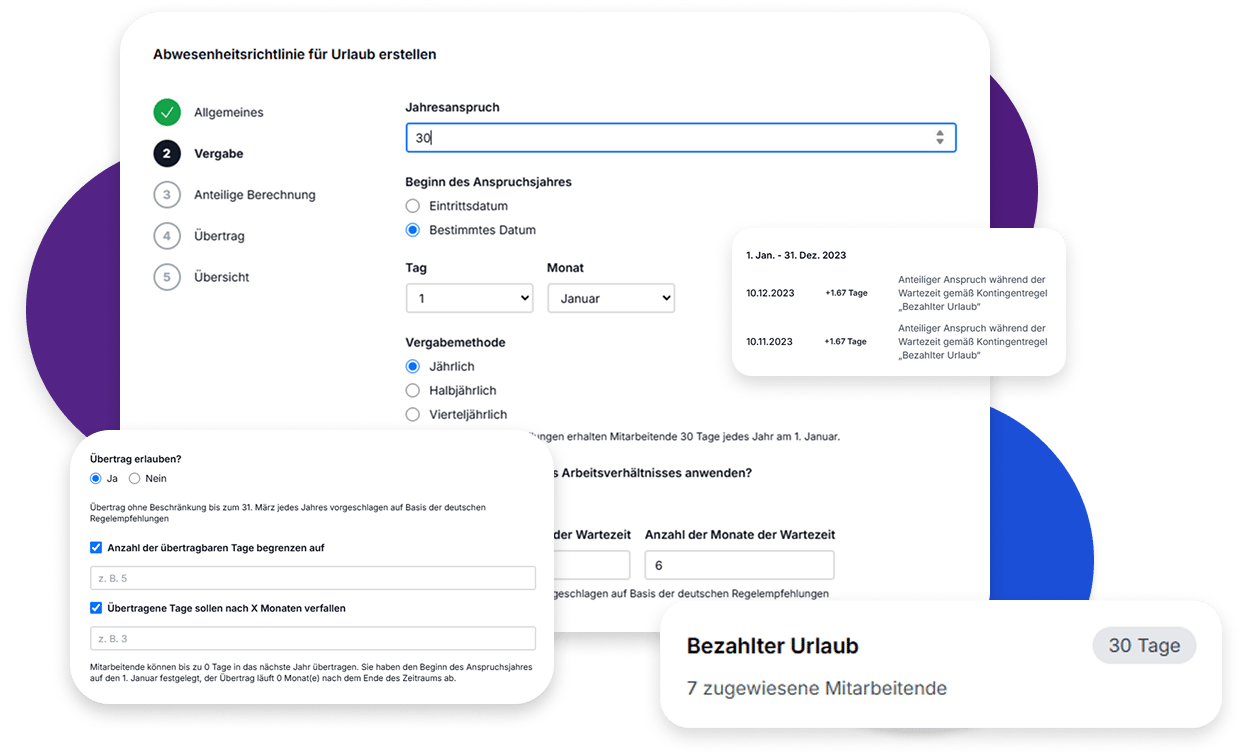
Define whether, for example, half-day bookings are allowed, proof is required, or waiting periods apply. Set entitlements, allocation methods, and validity periods individually – such as with carryover for vacation or day-based counting like for sickness. Decide whether documents are mandatory, how rounding works, or when remaining days expire – tailored to your company.
Manage holidays centrally and flexibly
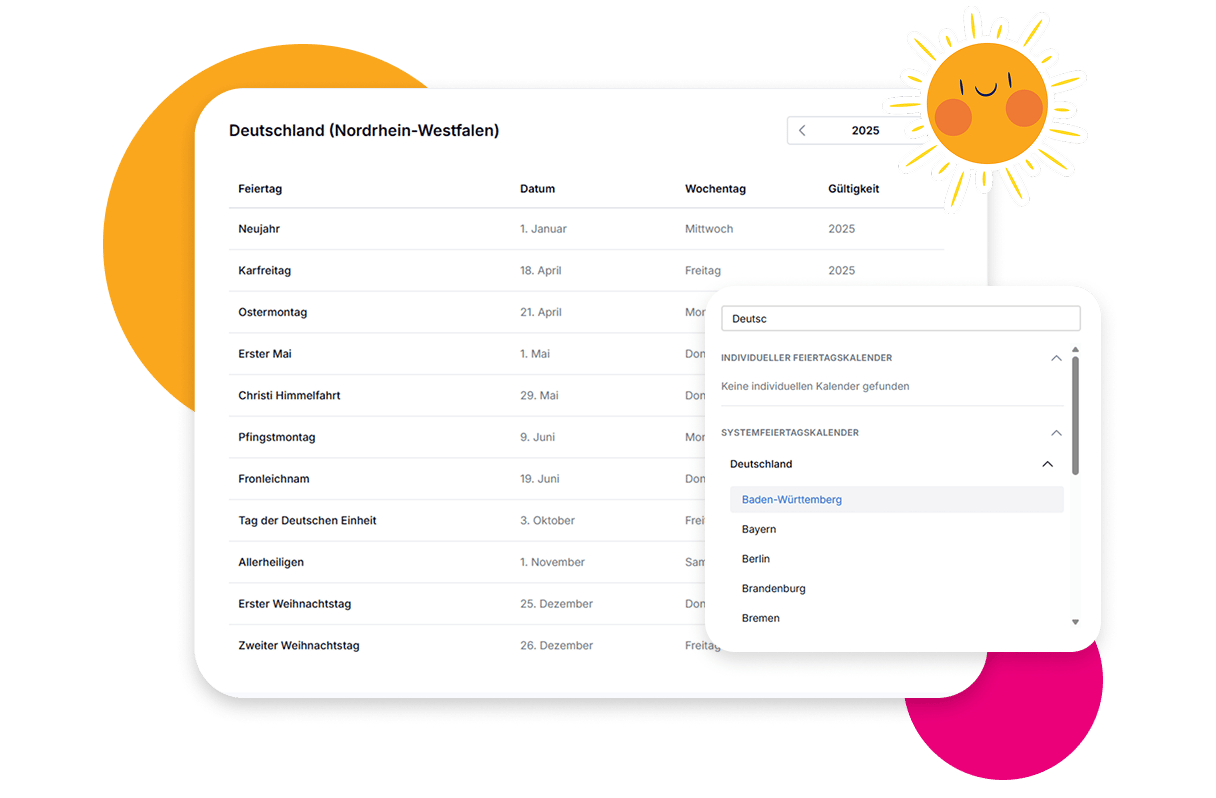
Manage statutory and company holidays easily in a central system. Use country-specific standard calendars or create your own holidays for your company.
Both recurring and one-time holidays can be defined – for example, for internal company occasions. All entered holidays are automatically considered in planning and evaluation and don't count as regular working days.
This way, you always maintain an overview of all relevant holidays – whether for locations in Germany, Austria, or worldwide.
Frequently asked questions about absence management
Absences can be booked directly via the time dashboard – by clicking on the respective day or via the "Book Absence" button. Alternatively, quick access is also available on the homepage in the top right. After the request, employees immediately see the status of their booking.
Employees can only book absences for which they have been assigned a matching policy. Administrators define booking identifiers such as 'Vacation' and set specific rules underneath – for example, vacation with 30 or 24 days entitlement. Each employee only sees the options valid for them.
In the 'Automation' section, approval rules can be defined – e.g., that certain absences are always automatically approved or only when they don't fall on holidays or weekends. Multi-level approval processes are also possible.
The calculation is based on the employee's work location – i.e., the country and state assigned to the company location. When changing locations, an effective date can be set from which the new holiday regulation is automatically considered.
By default, employees can only see their own absences. Additionally, defined time representatives can – depending on permission – view or edit absences for other employees. This keeps responsibilities clearly regulated.