Design Customization & Personalization
Your Design. Your Brand. Your HR-Software.
Design Emplovia according to your corporate identity. Customize logo, colors, backgrounds and the entire appearance individually to match your brand.
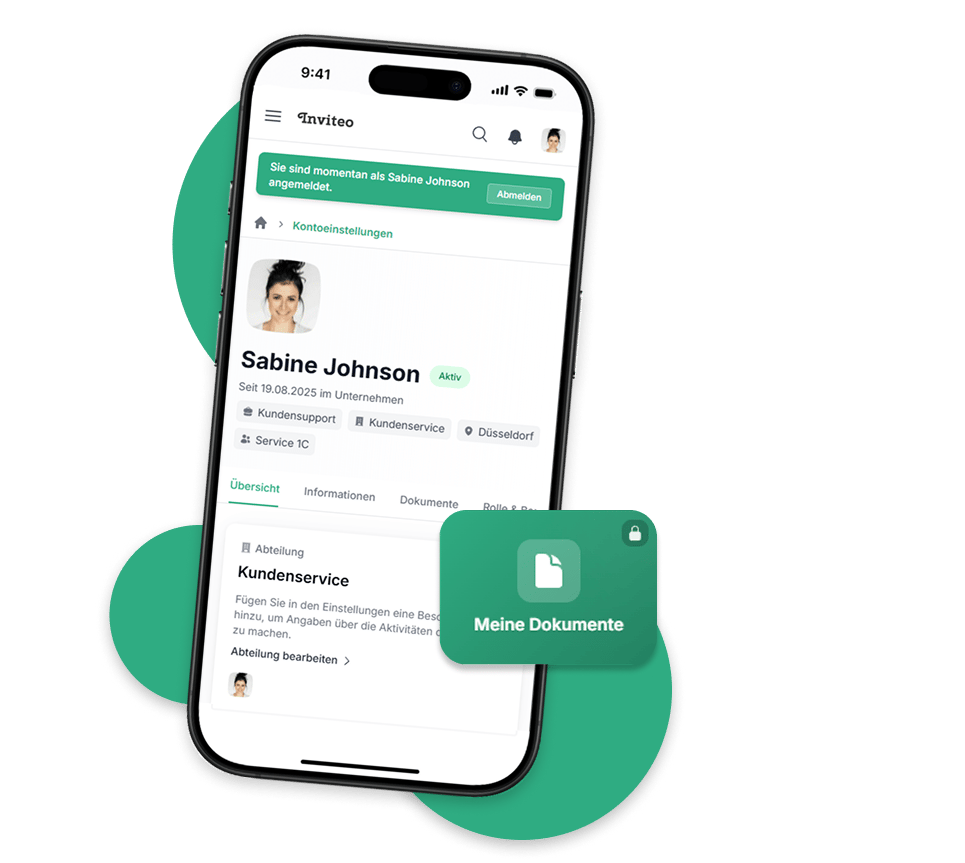
Complete Design Control
Logo & Branding
Integrate your company logo and customize all branding elements. Your employees work in a familiar environment with your brand identity.
Colors & Themes
Define custom color schemes matching your corporate colors. From buttons to backgrounds - everything in your look.
Sidebar Customization
Design the navigation according to your wishes. Adjust colors, icons and structure of the sidebar to your needs.
Background Images
Use custom background images for the homepage. Create a unique atmosphere for your employees.
Intuitive Design Settings
Make all adjustments easily via our clear settings page. See changes in real-time and create the perfect design for your company.
Individual Color Schemes
Choose from pre-made color schemes or create your own. Primary and secondary colors, accent colors and backgrounds - all customizable.
Choose your brand color
Dark & Light Mode
Switch seamlessly between light and dark design. Your employees can choose their preferred mode themselves - for optimal comfort at any time of day and environment.
Modern Glass Effect
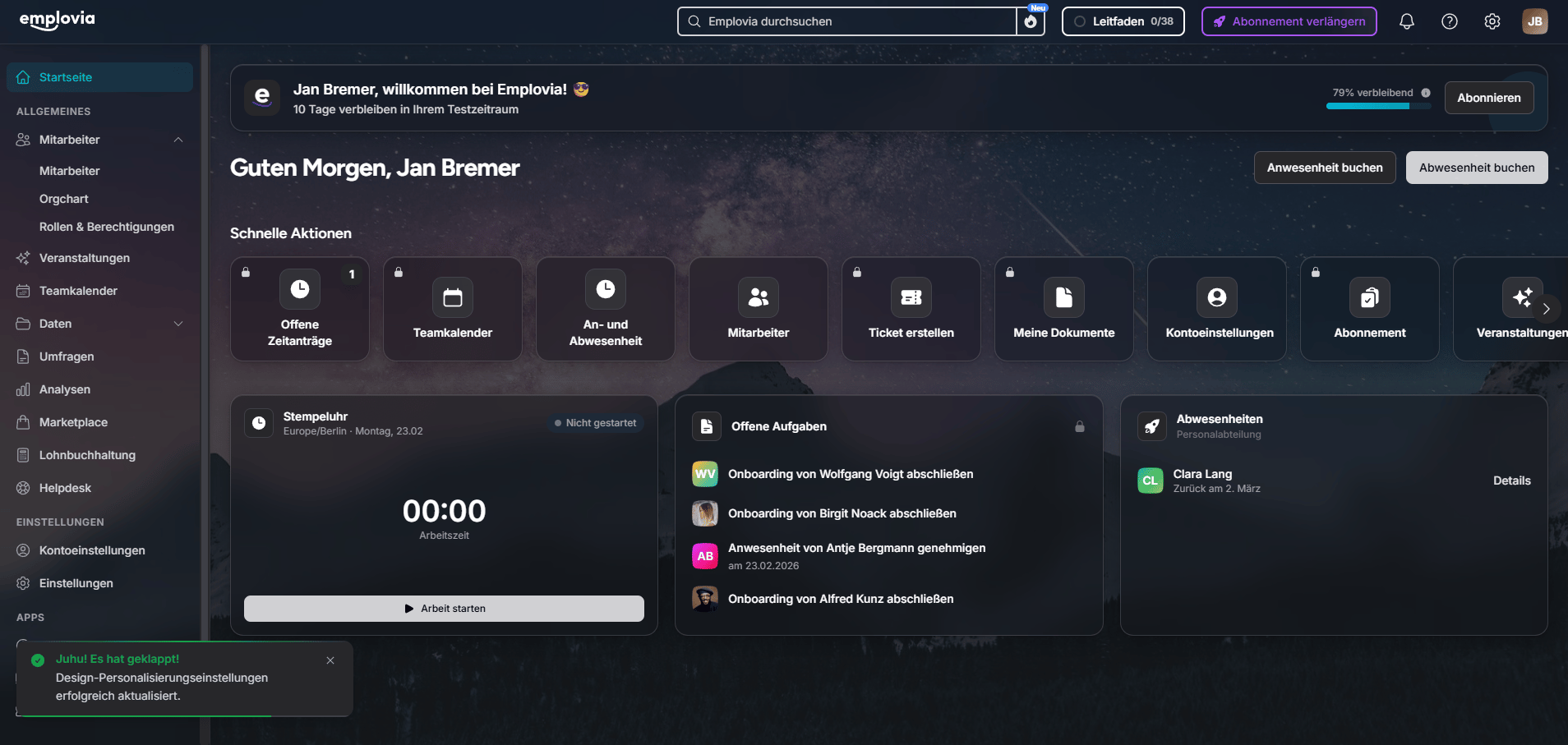
Activate the elegant glass mode for your homepage. The frosted glass effects with subtle transparencies give your dashboard a modern premium look.
Custom Background Images
Choose from predefined background images or upload your own. Optionally display the background with a blur effect - for an elegant, subtle look.
Flexible Sidebar
Design your navigation individually. Choose between transparent background, your accent color or a full color background - matching your corporate design.
Customizable Dashboard
Configure your dashboard to your needs. Choose which widgets to display: absences, birthdays & anniversaries, events, notifications and the time clock.